Becoming a Data Furnisher: Step-by-Step Guide
Everything you need to know to start reporting credit data to the bureaus using Metro 2 format.
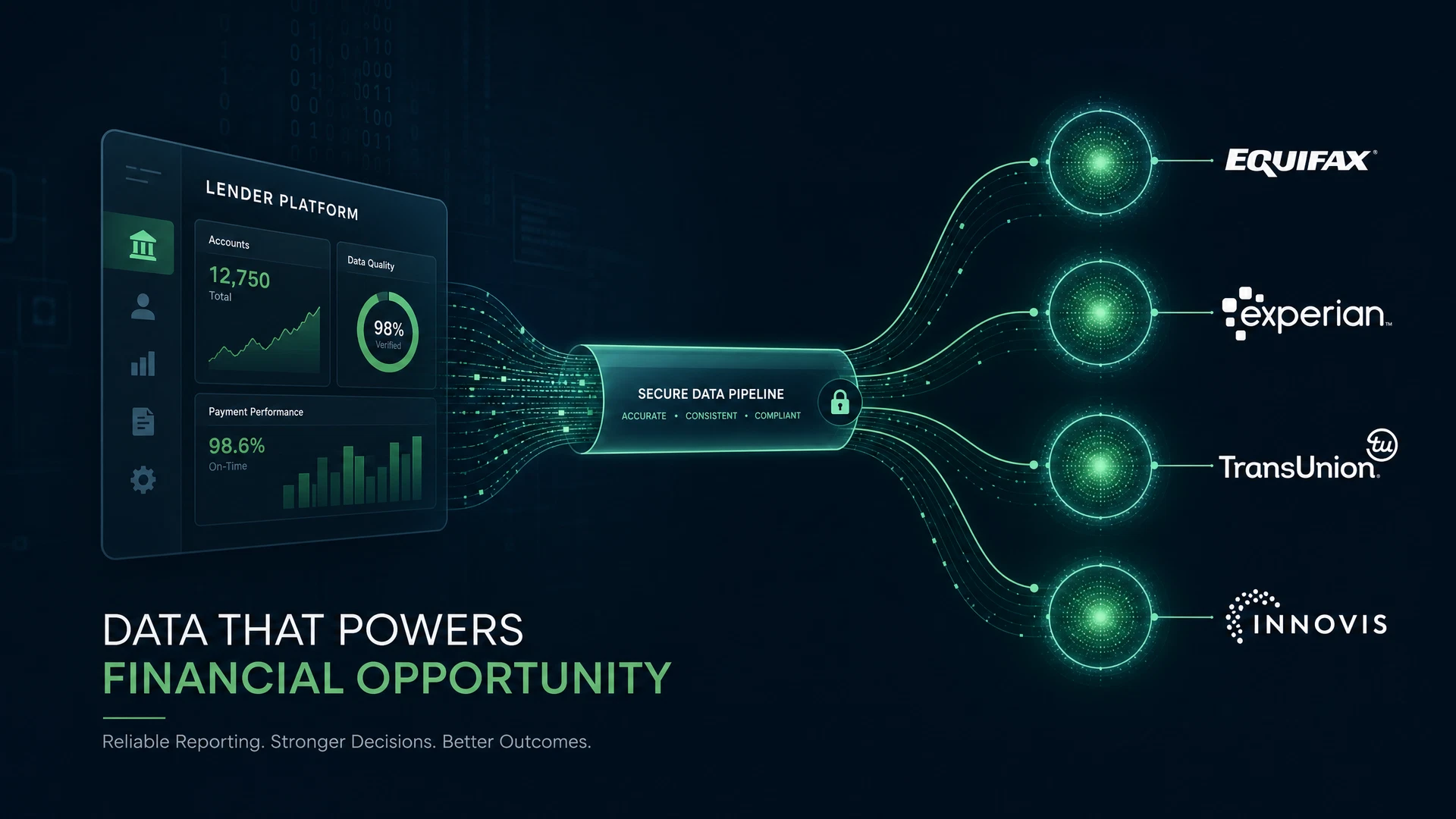
What Is a Data Furnisher?
A data furnisher is any organization that provides consumer credit information to the credit reporting agencies (CRAs) — Equifax, Experian, TransUnion, and Innovis. Data furnishers include banks, credit unions, fintech lenders, mortgage servicers, auto lenders, student loan servicers, rent reporters, collections agencies, and any other entity that extends credit or collects debt.
Under the Fair Credit Reporting Act (FCRA), data furnishers have specific legal obligations regarding the accuracy of the information they report, the procedures they follow when consumers dispute information, and the documentation they maintain.
Step 1: Determine If You Qualify
Not every business can report to the credit bureaus. To become a data furnisher, you generally need to meet minimum volume requirements (typically 100+ active accounts), have a legitimate business purpose for reporting, and be able to demonstrate data accuracy procedures.
Step 2: Obtain Program Identifiers
Each credit bureau assigns a unique program identifier to approved data furnishers. You must apply separately to each bureau. The application process typically requires business documentation, a sample data file, and an agreement to the bureau data furnisher agreement. Hutchins Systems can guide you through this process — we have helped hundreds of organizations obtain their program identifiers.
Step 3: Set Up Metro 2 Software
Once you have your program identifiers, you need Metro 2 software to generate compliant submission files. Hutchins Systems offers three options: Credit Time 2000© (desktop), MORFi Cloud (browser-based), and our REST API for automated integrations. Our onboarding team will help you configure your data mapping, set up your submission schedule, and complete your first test submission.
Step 4: Map Your Data to Metro 2 Format
Your internal account data needs to be mapped to Metro 2 field specifications. This includes identifying the source fields for account number, consumer identity information, account type, account status, balance, payment history, and all other required Metro 2 fields. Our drag-and-drop mapping interface simplifies this process.
Step 5: Complete Test Submissions
Before going live, each bureau requires test submissions to validate your data format and field mapping. Hutchins Systems provides a testing environment that mirrors bureau validation rules, allowing you to identify and fix any issues before your first live submission.
Step 6: Go Live with Monthly Submissions
Once your test submissions are accepted, you can begin live monthly reporting. Most bureaus require monthly submissions, typically due in the first week of each month for the prior month data. Hutchins Systems automated scheduling handles this automatically.
Step 7: Monitor and Maintain Compliance
Becoming a data furnisher is not a one-time event — it is an ongoing compliance obligation. You must maintain accurate data, respond to consumer disputes within FCRA deadlines, update account information promptly, and keep your Metro 2 software current with CDIA specification updates.
Why Choose Hutchins Systems?
Hutchins Systems has been helping organizations become data furnishers since 1986. We know every step of the process — from program identifier applications to first-file reviews to ongoing compliance management. Our team of Metro 2 experts provides hands-on support throughout your onboarding journey and beyond.
Ready to Simplify Metro 2 Compliance?
Book a free consultation with our Metro 2 experts. We have been helping organizations like yours since 1986.
Book a Free Call